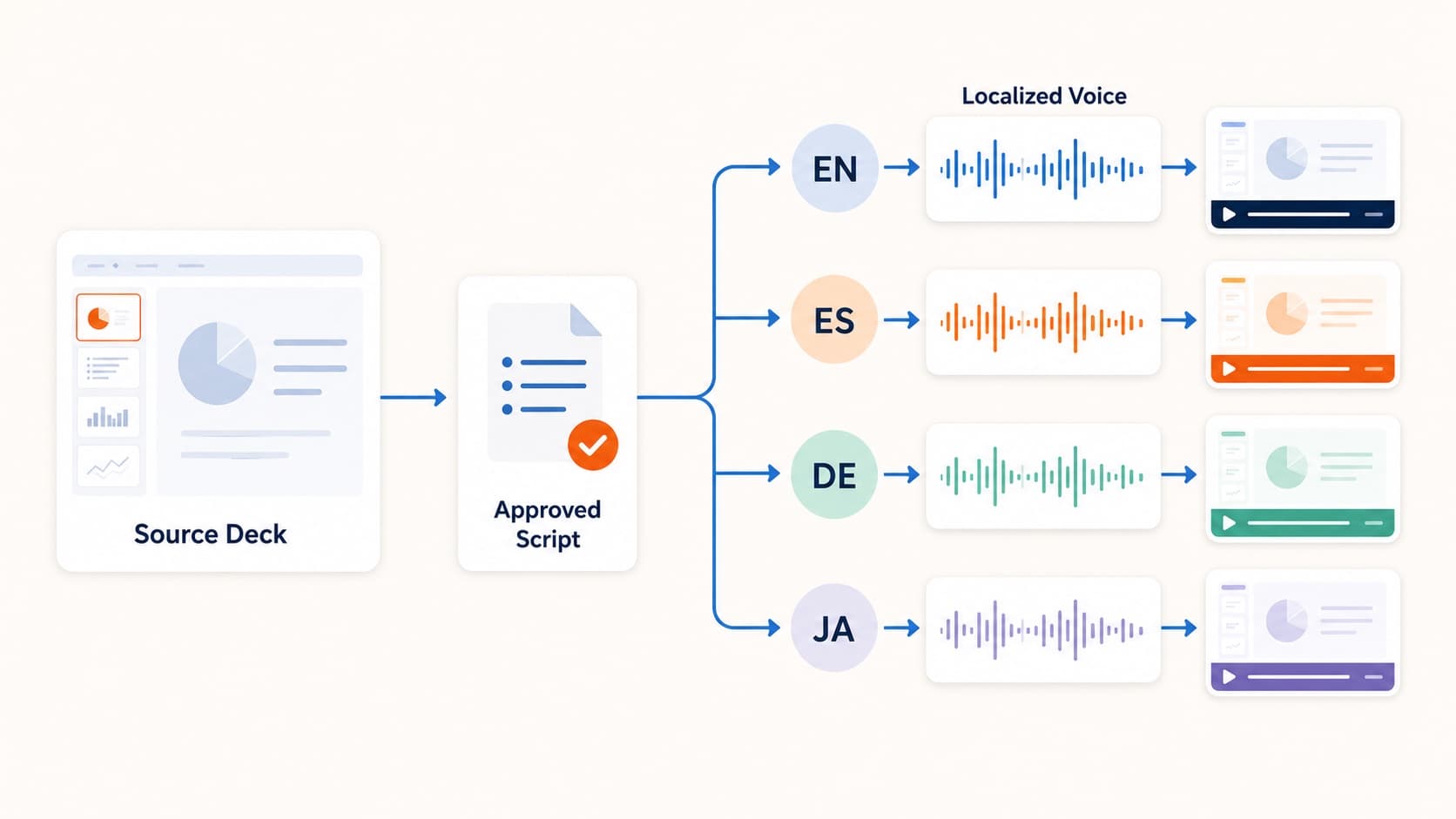
How to Create Multilingual Training Videos from One Deck
Create multilingual training videos from one PowerPoint deck. Localize scripts, generate language-specific narration, and re-export MP4s without booking studios per market.
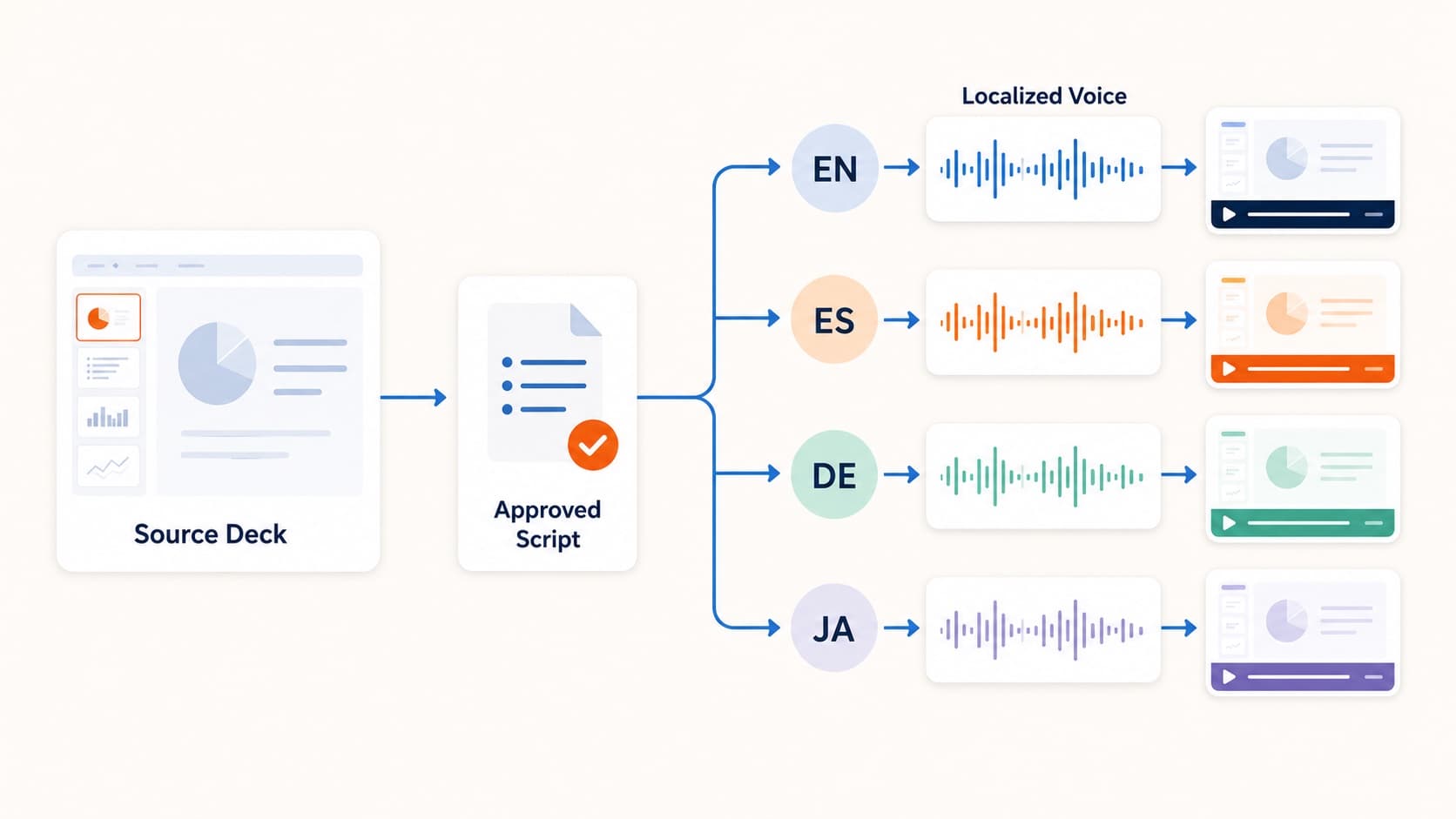
Traditional localization multiplies cost by language: translate, book talent, record, sync, QA. That is why many teams only localize their top markets. A better path for multilingual training videos is deck-first production: one .pptx, reviewed scripts per language, and regenerable narrated MP4s.
Deck-first localization pipeline
- Finalize the source deck once.
- Polish the source-language script.
- Produce and review each target-language script.
- Pick a voice per language and export.
Steps 3 and 4 are the only per-language work, and both operate on text.
If you do not yet have the source pipeline, start with training video from PowerPoint.
Why updates get cheaper
Compliance and product training change. In a studio model, a two-slide update can force re-recording in every language. In a deck-first model, you update the changed slides, revise those script segments, regenerate affected audio, and re-export.
Honest limits
- machine translation still needs native review for compliance content
- slide text may remain in the source language unless you localize the deck itself
- synthetic voices are excellent for internal training, but flagship brand films may still need human talent
For the AI-vs-human decision, see AI voice over for PowerPoint.
Best first use cases
- compliance and safety training
- product and process training for distributed teams
- partner enablement
- course content expanding into new markets
Related guides
Final takeaway
If the English training already lives in PowerPoint, each additional language should be a script review—not a new studio project. That is how multilingual training videos stay current.
More Posts
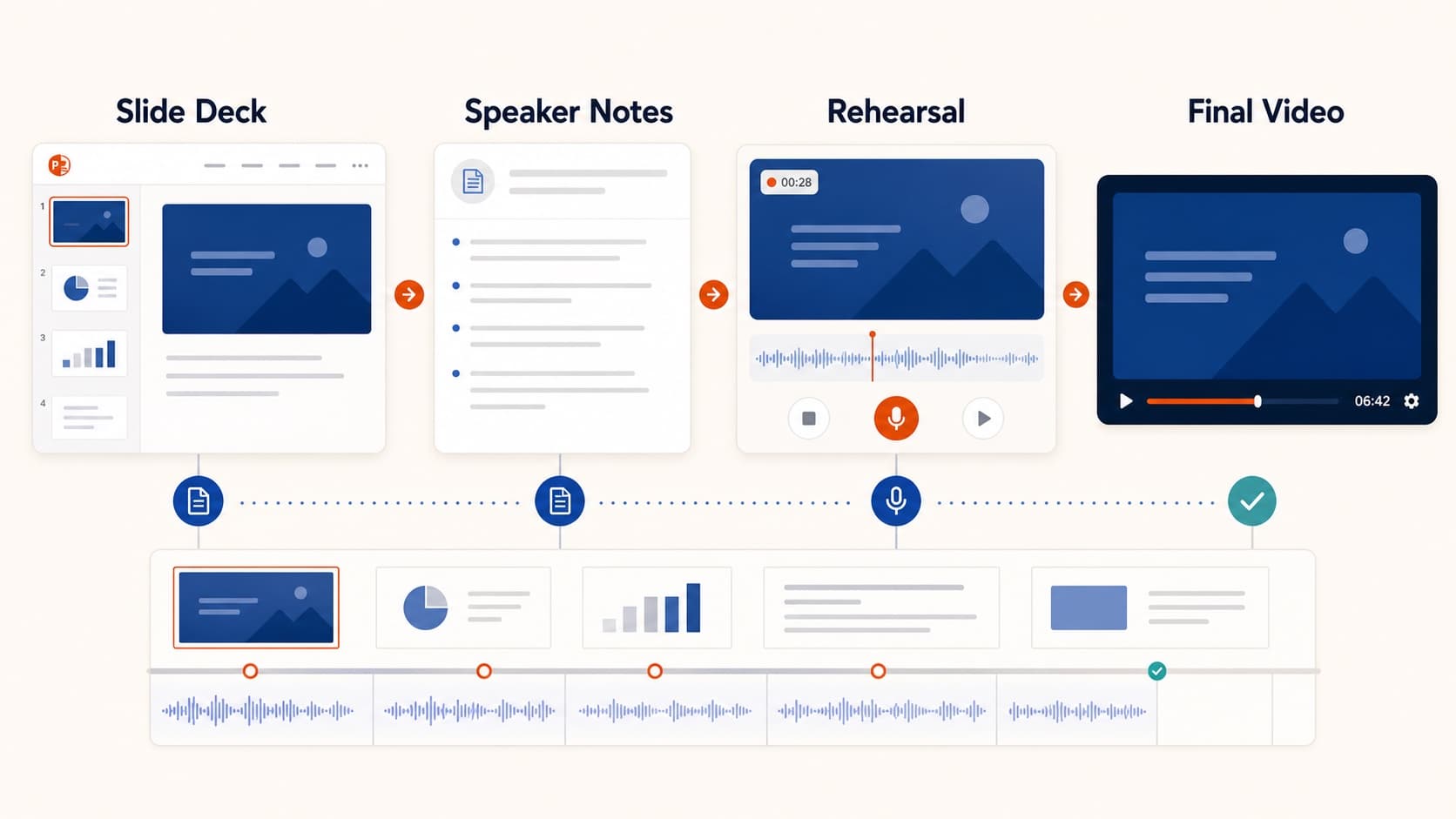
How to Create a Pre-Recorded Presentation Video from Slides
Create a pre-recorded presentation video from your slides without endless takes. Use a script-first workflow to hit conference duration, resolution, and file-size limits.

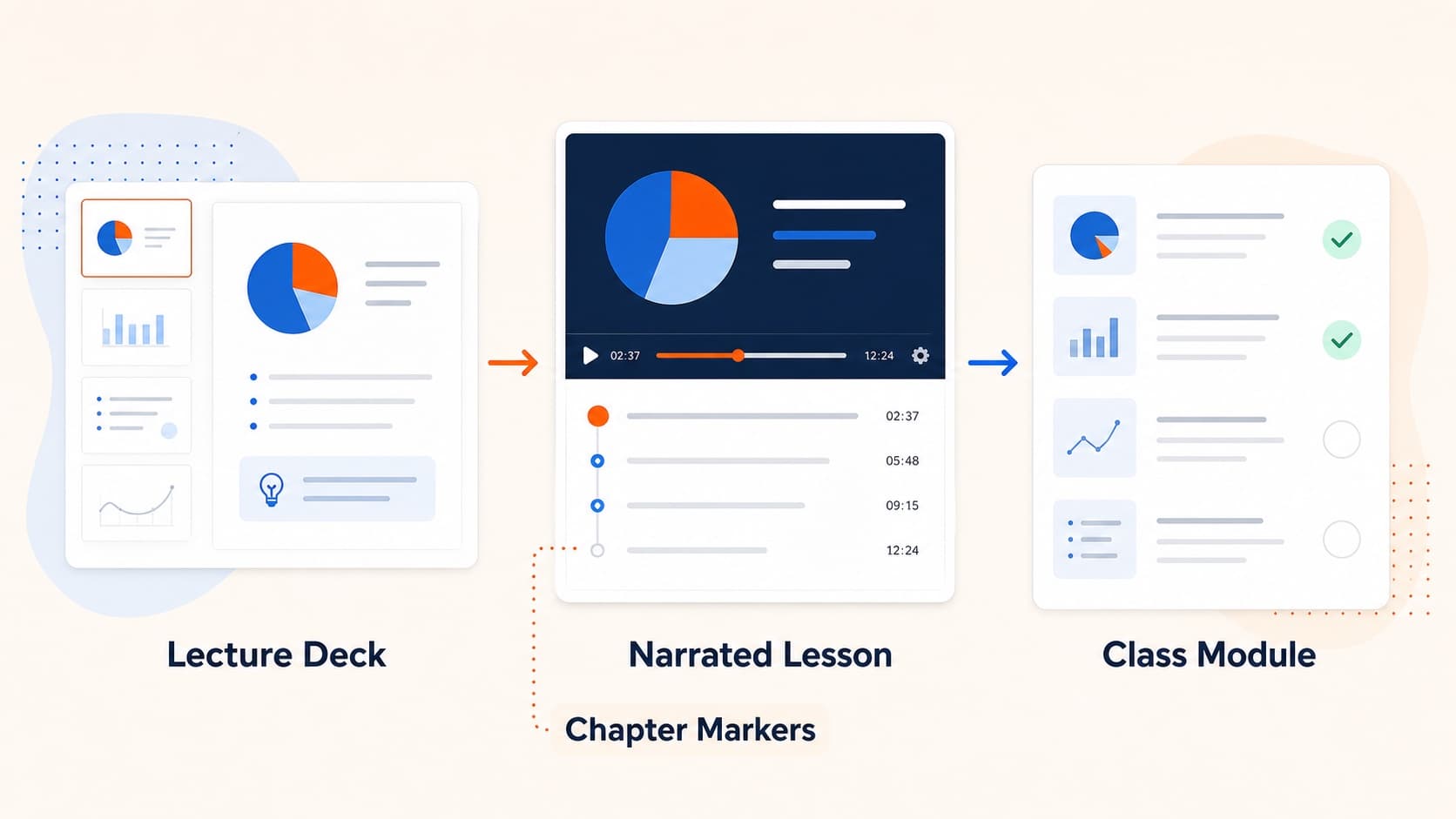
How to Turn Slides into Video Lessons for Students
Turn lecture slides into video lessons students can rewatch. A practical workflow for teachers to create regenerable narrated MP4s from PowerPoint or Google Slides.
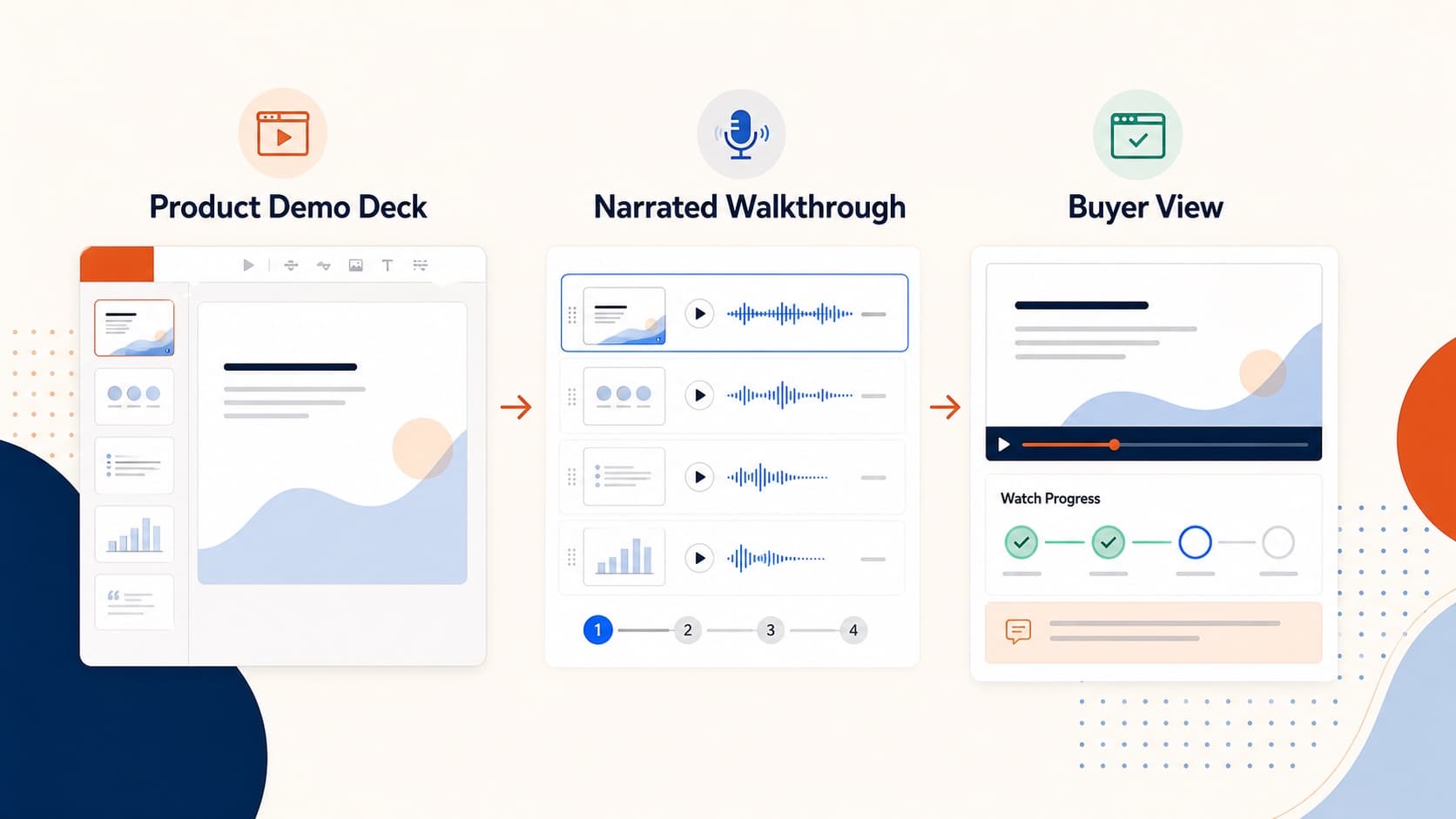
How to Create a Product Demo Video from Your Sales Deck
Build a product demo video from the sales deck you already use. A practical workflow for short narrated MP4 demos prospects can watch and forward asynchronously.