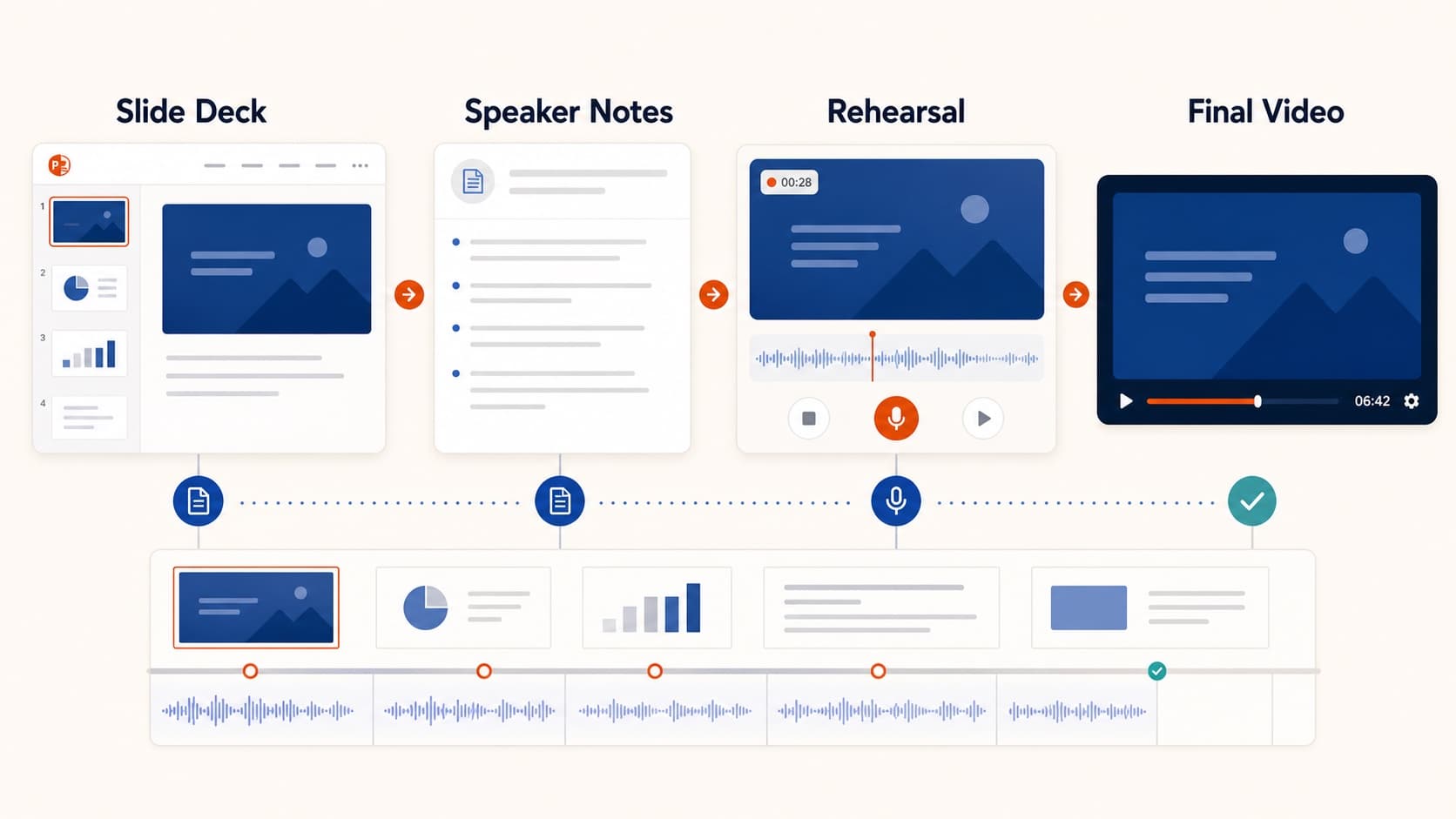
How to Create a Pre-Recorded Presentation Video from Slides
Create a pre-recorded presentation video from your slides without endless takes. Use a script-first workflow to hit conference duration, resolution, and file-size limits.
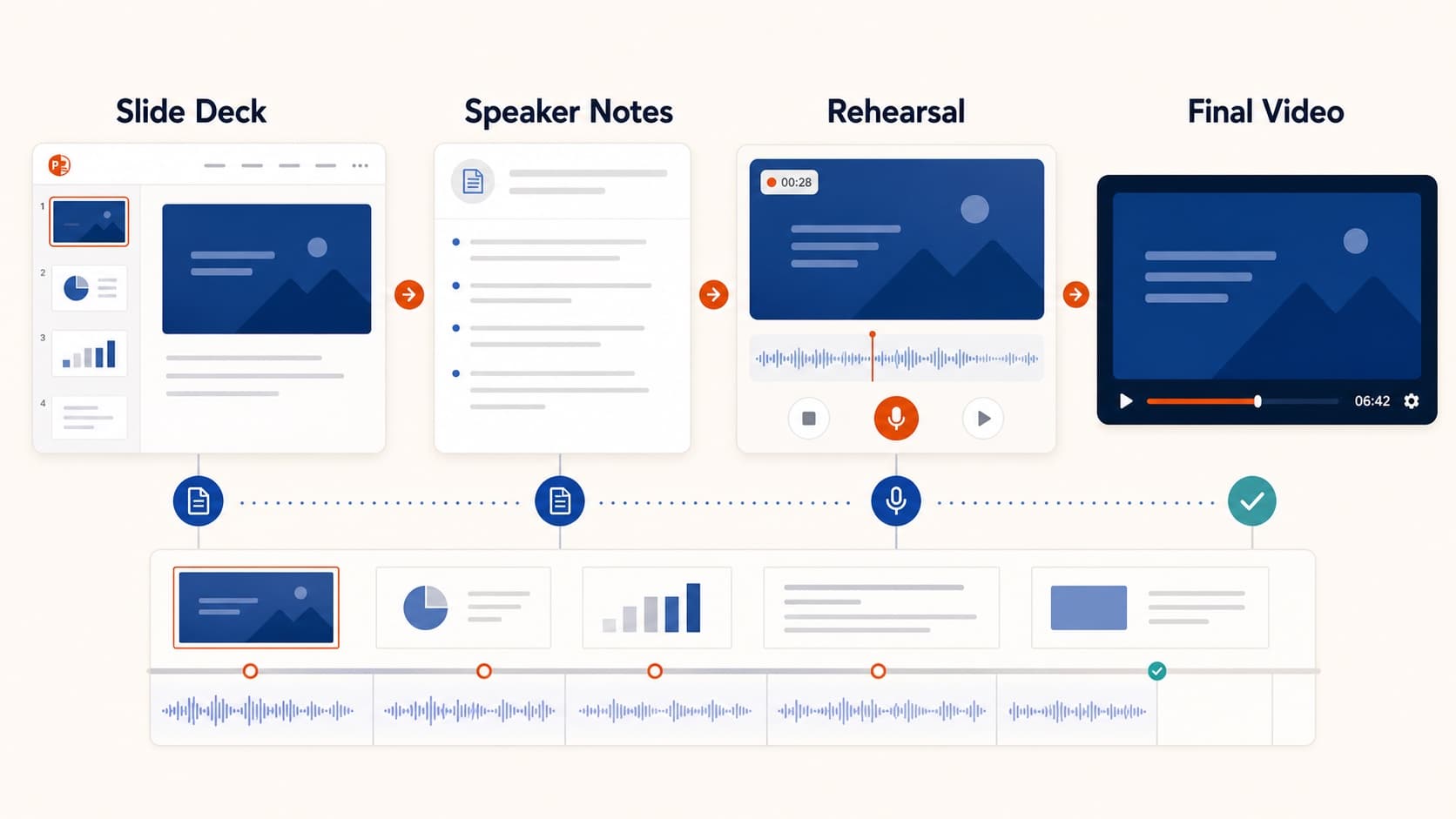
Many conferences now ask speakers to upload a pre-recorded presentation video with strict duration, resolution, and file-size rules. Presenting live is one skill. Shipping a clean MP4 that passes a submission checker is another.
Why the default PowerPoint path hurts
Built-in recording works, but three problems show up often:
- timing only becomes obvious after a full take
- exported files can become huge
- a stumble late in the deck forces awkward re-records
Script-first alternative
Spoken English is roughly 140–160 words per minute. A 12-minute cap is about 1,700–1,900 words. If you can see the script, you can hit the cap before generating audio.
- Upload the final
.pptx. - Edit the script down to the word budget.
- Generate voice and fix only weak slides.
- Export a 1080p MP4, with captions if required.
This is the same foundation as convert PowerPoint to video, optimized for submission constraints.
When it should still be your voice
Use your own recording for keynotes or talks where delivery is part of the value. For methods talks, lightning sessions, and technical overviews, clarity and timing usually matter more than a late-night fourth take. See AI voice over for PowerPoint.
Submission checklist
- re-read duration, resolution, file size, subtitle, and naming rules
- freeze the deck before audio
- watch the full export once
- verify duration and size before the portal does
Related guides
Final takeaway
A reliable pre-recorded presentation video is a timing problem first and a recording problem second. Fix the script, then export.
More Posts
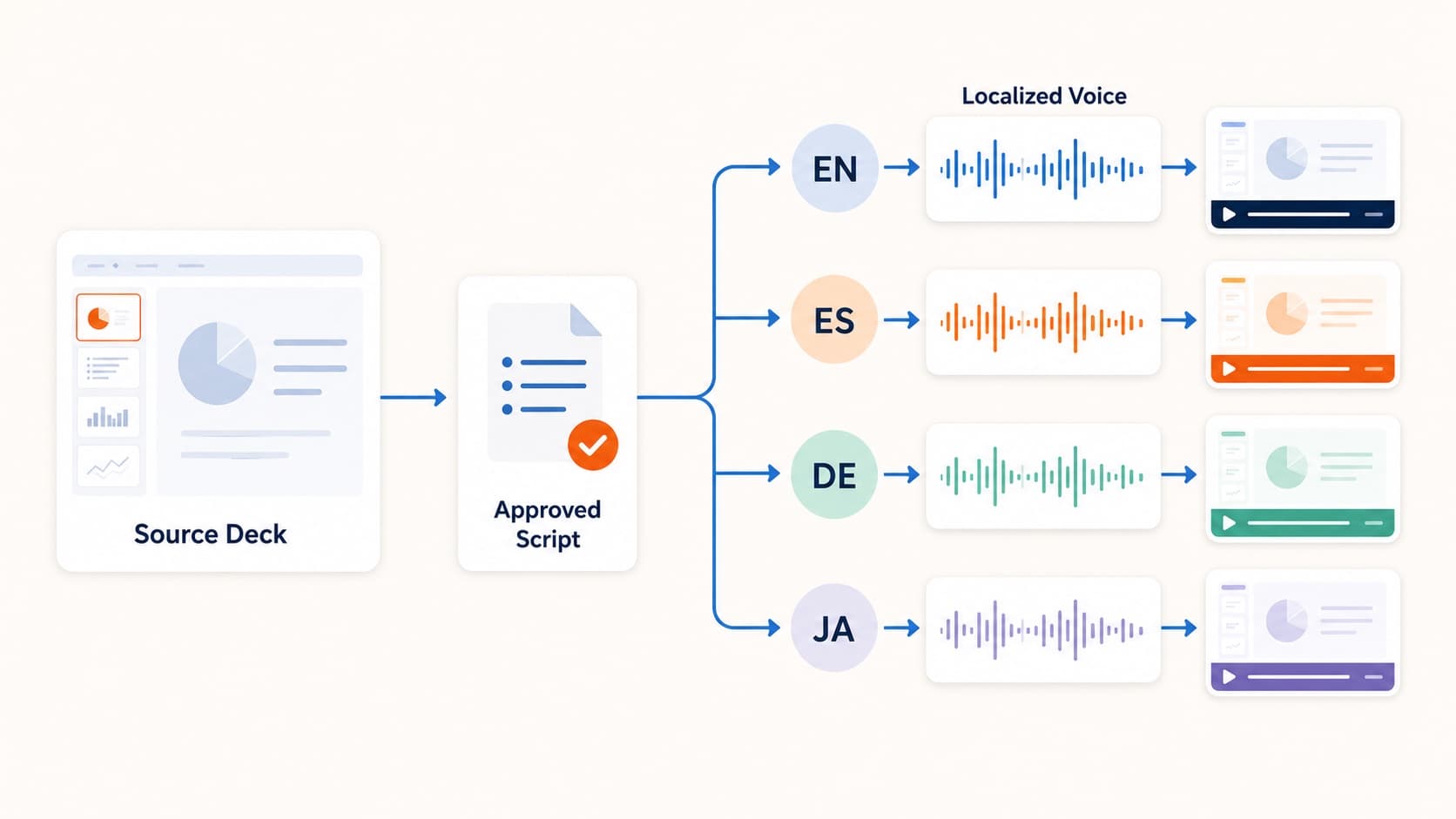
How to Create Multilingual Training Videos from One Deck
Create multilingual training videos from one PowerPoint deck. Localize scripts, generate language-specific narration, and re-export MP4s without booking studios per market.

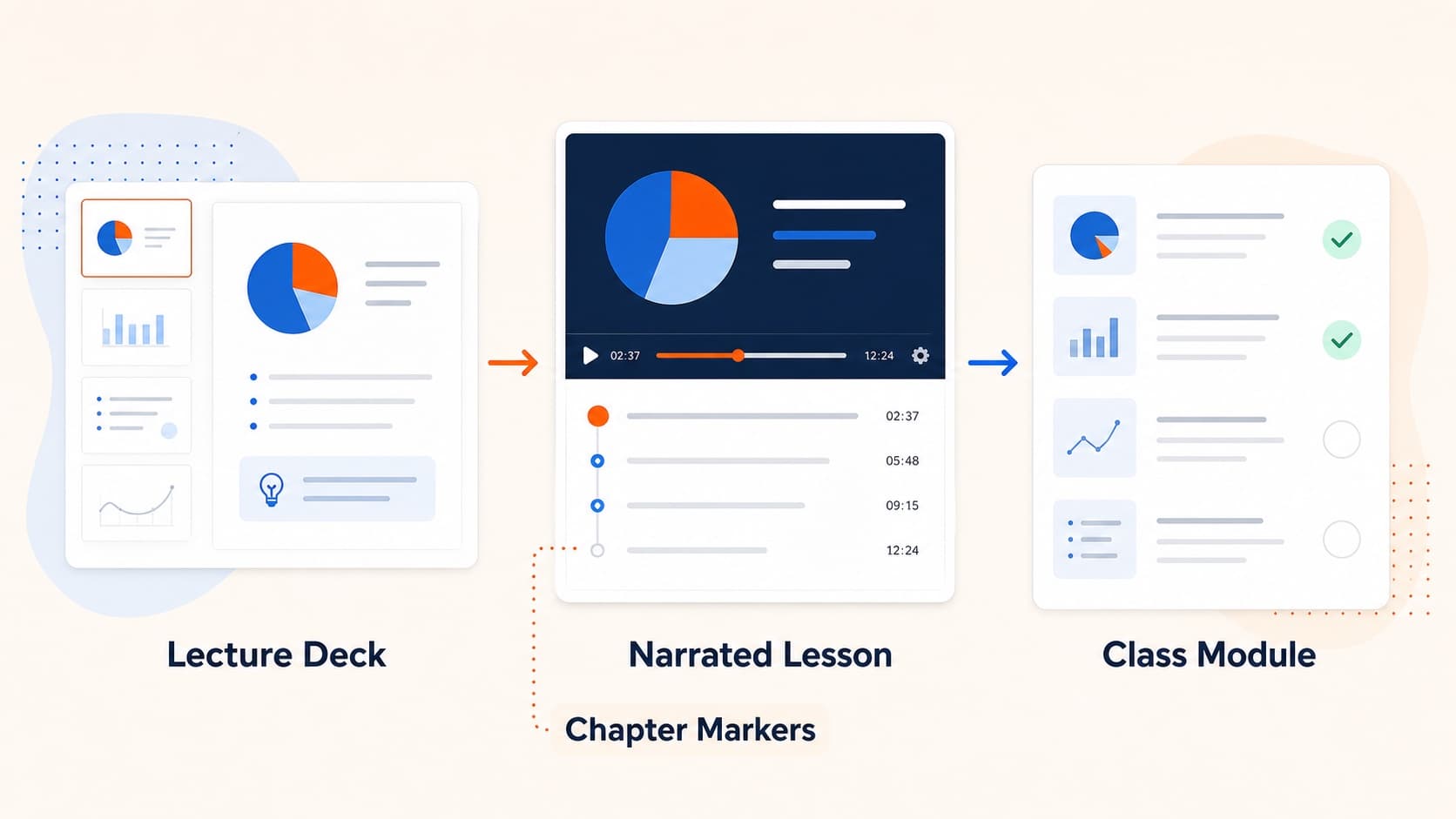
How to Turn Slides into Video Lessons for Students
Turn lecture slides into video lessons students can rewatch. A practical workflow for teachers to create regenerable narrated MP4s from PowerPoint or Google Slides.
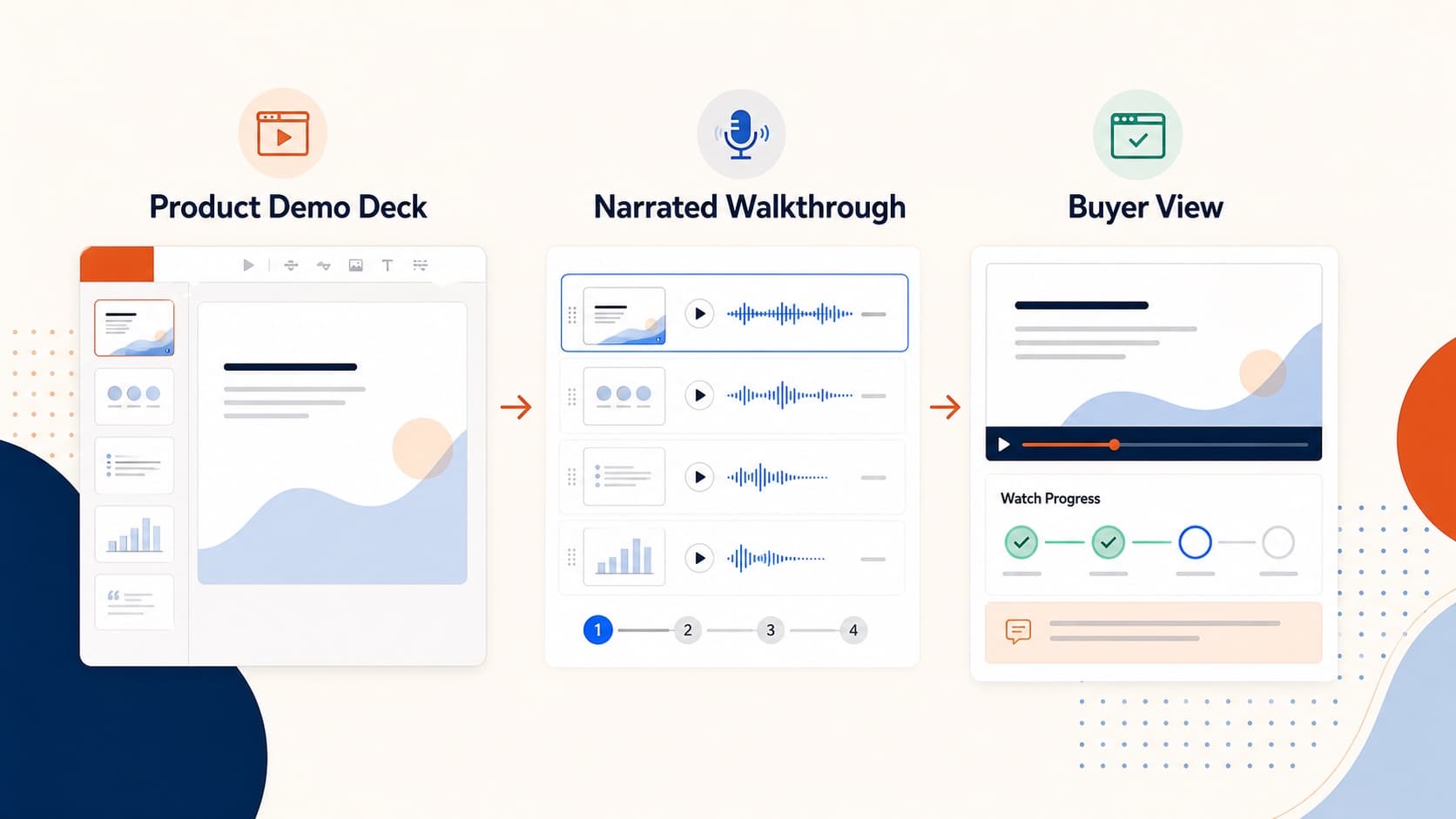
How to Create a Product Demo Video from Your Sales Deck
Build a product demo video from the sales deck you already use. A practical workflow for short narrated MP4 demos prospects can watch and forward asynchronously.